

Detailed Overview
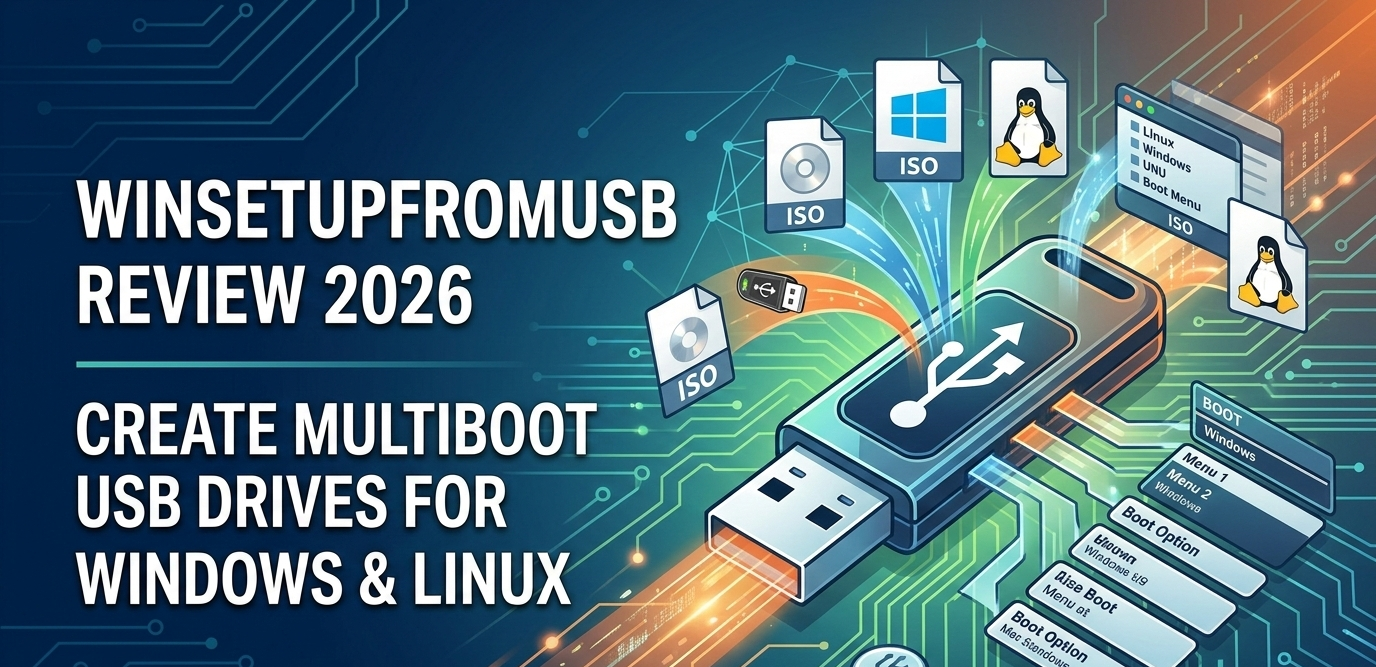
WinSetupFromUSB is a free utility for Windows that lets you create bootable USB drives capable of installing multiple operating systems and utilities from one single device. It’s widely used by system administrators, IT professionals, and tech enthusiasts who need a portable installation medium for Windows, Linux, rescue tools, and disk utilities.
Instead of carrying separate USB sticks or CDs for each OS, WinSetupFromUSB allows you to combine several installation sources — such as Windows 7/8/10/11, various Linux distributions, and recovery tools — into one USB drive with a boot menu. Drives created with this tool work on both legacy BIOS and modern UEFI systems, making them compatible with a wide range of devices.
The project began in the mid‑2000s as a community‑developed solution for installing Windows from USB (especially older versions like XP), and has evolved to support modern OSes and custom configurations.
Pros (Strengths)
1. Multiboot Support for Various OSes
It supports multiple Windows versions, many Linux distributions, and various utility disks (like antivirus rescue CDs or diagnostic tools) on a single USB.
2. Works on BIOS and UEFI Systems
Created USB drives can boot on both older BIOS systems and newer UEFI machines, offering broad compatibility.
3. Free and No Restrictions
WinSetupFromUSB is completely free — no registration fees, trial limits, or hidden charges.
4. Useful for IT and Repair Tasks
Because you can mix installation sources with rescue utilities, it’s very useful for system repair, recovery, deployment, and diagnostics.
5. Customizable Boot Menu
Users can set up a menu to choose which OS or tool to launch at boot time, making it easier than juggling separate drives.
Cons (Weaknesses)
1. Learning Curve for Beginners
While the interface is functional, it’s not as polished or “plug‑and‑play” as some newer tools like Rufus. Users unfamiliar with bootable media creation can feel overwhelmed by options.
2. Mixed Trust Signals Online
Independent trust services show medium trust scores for the official site (e.g., lower web traffic and hidden WHOIS info), which means users should be cautious about downloading only from the official site or reputable sources to avoid fake or risky downloads.
3. Not a Full Installer Itself
WinSetupFromUSB does not include operating systems — you must supply your own ISO files or installation sources, which requires having proper licenses and downloads from official vendors.
Final Verdict
WinSetupFromUSB is a powerful and versatile tool for creating multiboot installation USB drives. It’s especially valuable for:
- IT technicians who install or repair systems regularly
- Tech enthusiasts experimenting with various operating systems
- Users who need one portable installer for many OSes and tools
However, it isn’t designed for beginners who want the simplest possible experience — tools like Rufus or BalenaEtcher are sometimes easier for single‑OS USB creation. Also, make sure to download the software only from trustworthy sources to avoid unverified installers.
Personal Recommendation
Use WinSetupFromUSB if you:
- Need to boot and install multiple operating systems from one USB drive
- Want a free, flexible tool that combines installations and utilities
- Are comfortable managing ISO files and system configurations
If you are looking to create bootable USB drives with just one OS at a time, user‑friendly alternatives like Rufus may be simpler.
